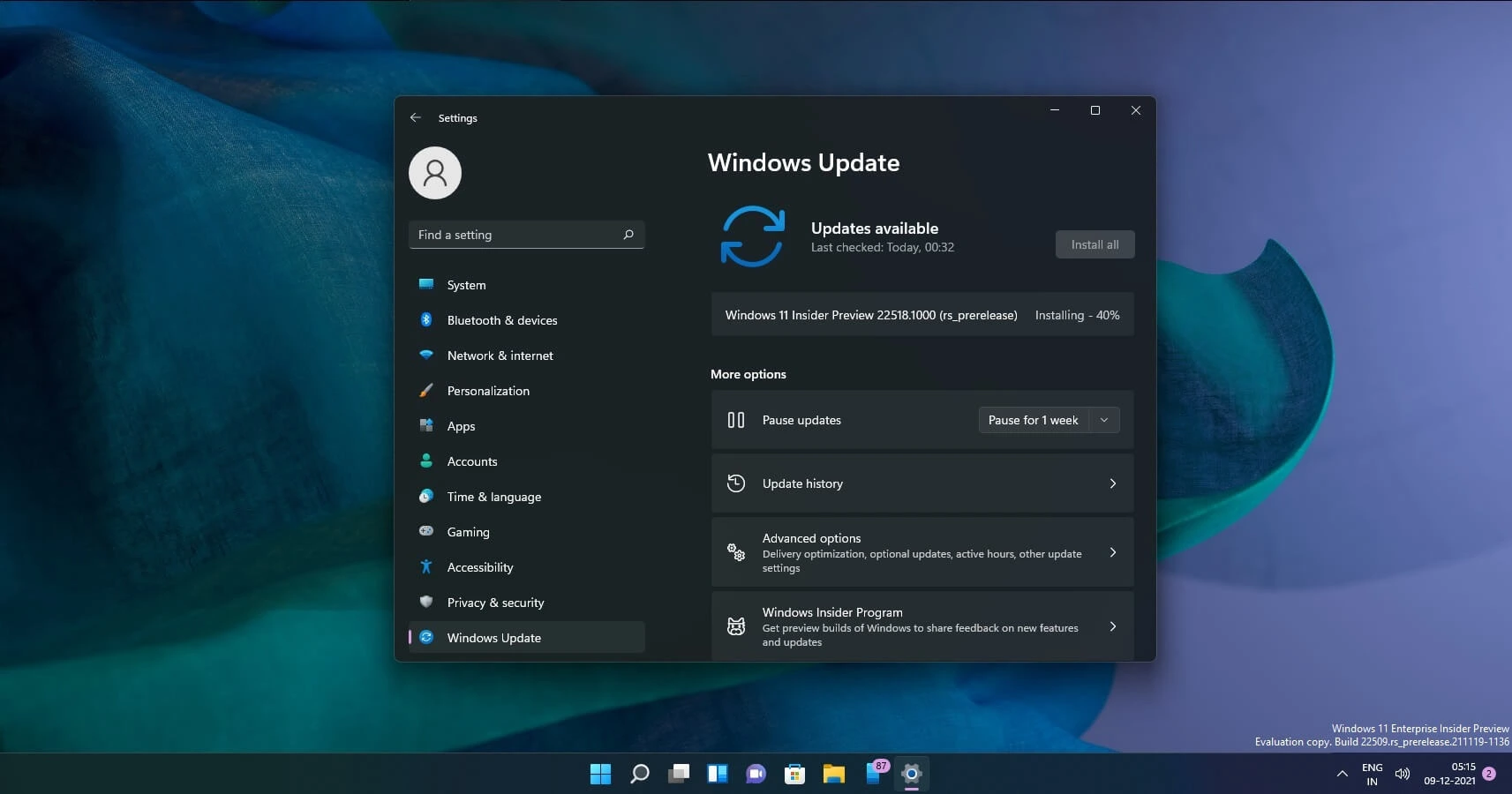
Windows 11 users who rely on the sleek aesthetic of Dark Mode have recently encountered an irritating visual flaw in File Explorer, arguably the operating system’s most crucial component. Following the rollout of certain non-security preview updates, Microsoft has officially acknowledged a bug that causes a brief but jarring white flash every time the application is opened or navigated.
This issue not only diminishes the sophisticated Dark Mode experience but also introduces a significant visual annoyance, especially in low-light working environments. Below is a detailed look at the core problem, Microsoft’s response, and the temporary workarounds available while we wait for an official patch.
The Glitch: A Stun Grenade in Dark Mode

The problem, which has been widely reported since the release of updates like KB5070311 and KB5071142, primarily affects systems running Windows 11 with the Dark Mode theme enabled.
The Windows 11 File Explorer bug manifests as a fleeting, blank white screen that appears for roughly one second just before the File Explorer window fully renders its content. This graphical stutter is a jarring disruption for users seeking a smooth, darkened interface.
Actions That Trigger the White Flash:
The momentary flash occurs during several common File Explorer operations, pointing to deeper inconsistencies in the application’s UI rendering process:
- Launching or Navigating to or from the Home or Gallery sections.
- Creating a new tab within the File Explorer window.
- Toggling the visibility of the Details pane (turning it on or off).
- Selecting the ‘More details’ option while copying files.
Microsoft’s Official Acknowledgment and Analysis
Microsoft has officially confirmed that it is aware of the File Explorer white flash issue and has added it to the “known issues” list for affected Windows 11 preview builds. The company has promised to deliver a permanent fix in a future non-security update package.
The underlying cause of this bug is likely related to the architectural blend within the Windows 11 interface. File Explorer is a mix of legacy Win32 UI elements and newer WinUI/XAML components. When the application loads in Dark Mode, it momentarily fails to load the dark assets correctly, causing it to flash the light-mode default before the system fully applies the theme. This graphical inconsistency is a clear side effect of blending old and new technologies.
Immediate Fixes: A Community-Developed Workaround
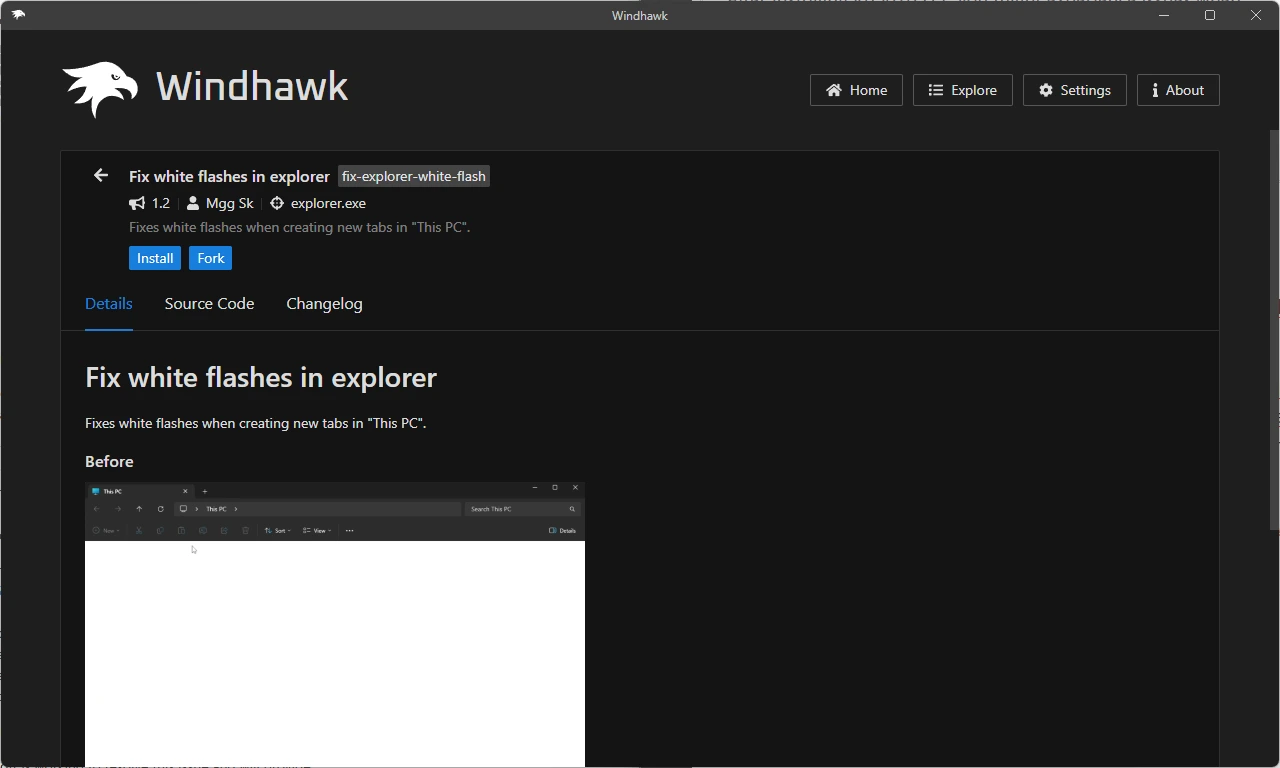
While waiting for Microsoft’s official resolution, power users have found an effective, immediate solution using a community-developed utility. This temporary fix utilizes the popular third-party modification tool Windhawk.
Step-by-Step Workaround using Windhawk:
- Download and Install Windhawk: Windhawk is a repository for various Windows mods and customizations. Download and install the client from the official website.
- Locate the Mod: Open the Windhawk application and navigate to the “Explore” tab.
- Install the Fix: Search for the mod titled “Fix white flashes in explorer” and click Install.
- Verify: Once the mod is active, the rendering issue should be addressed, eliminating the blank white screen when opening or navigating File Explorer in Dark Mode.
This community solution provides immediate relief for users who find the flashing visually irritating, allowing them to enjoy their preferred Dark Mode experience without compromise until Microsoft pushes the official patch.
Conclusion
The persistent Windows 11 File Explorer white flash is a frustrating experience for Dark Mode enthusiasts, highlighting the integration challenges in modern operating system design. Microsoft’s confirmation ensures a proper patch is under development.
For most users, waiting for the official fix, expected to be bundled into a future monthly cumulative update, is advisable. However, the Windhawk mod offers a powerful and effective remedy today. We recommend keeping your system updated and checking the official Windows release health dashboard for confirmation of the final resolution.
Explore the Latest World of Technology.
Android
cross-device
file-explorer
phone-link
photos-tab
tech-news
windows-android
automation
bash-scripting
command-line
cron-jobs
file-permissions
linux-skills
terminal
vim
android-2026
android-security
apk-install
developer-verification
experienced-user
foss
google-play
open-source
sideloading
appimage